Initial configuration of odm-sdk
Requirements
- Installed odm-sdk. See Installation odm-sdk
Instructions
Configure
-
Retrieve an Access (Bearer) Token, or obtain an API token by logging into ODM and clicking the profile link under the username.
See an example for Public user below:
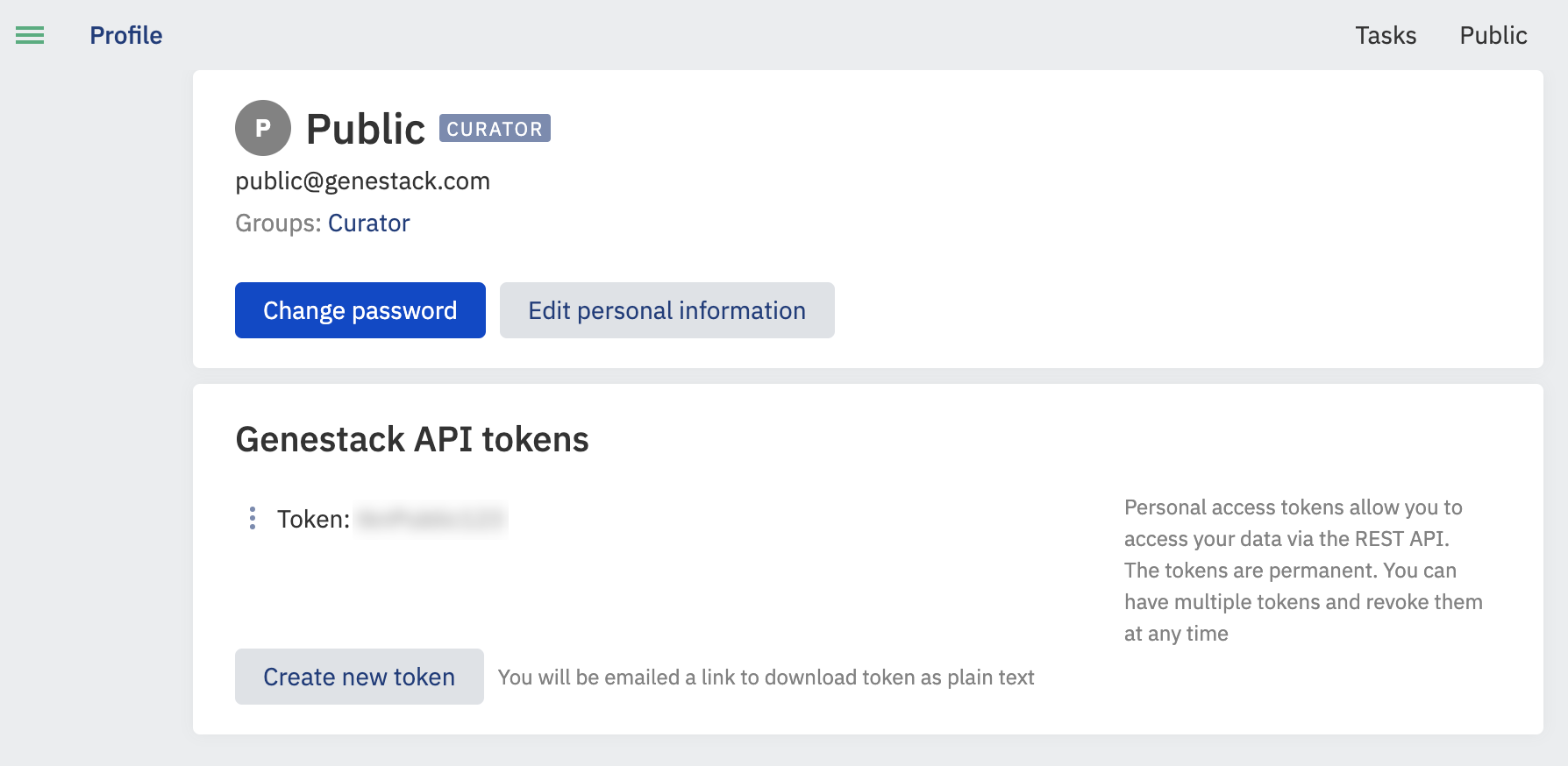
You need to click on the "Create new token" button, so you will receive an email with a link to your token. Please open the link in the email and save the token for future needs.
-
Set up your account with the Genestack Python client from a console
-
Type ‘add’ to enter a new user, enter an alias for the user.
- Enter the host name, which should be of the format: https://domain_name/.
-
Then select suitable authentication method (1 or 2) and input the content of the token you received in step 1:
-
Type ‘quit' to exit the user-setup.